
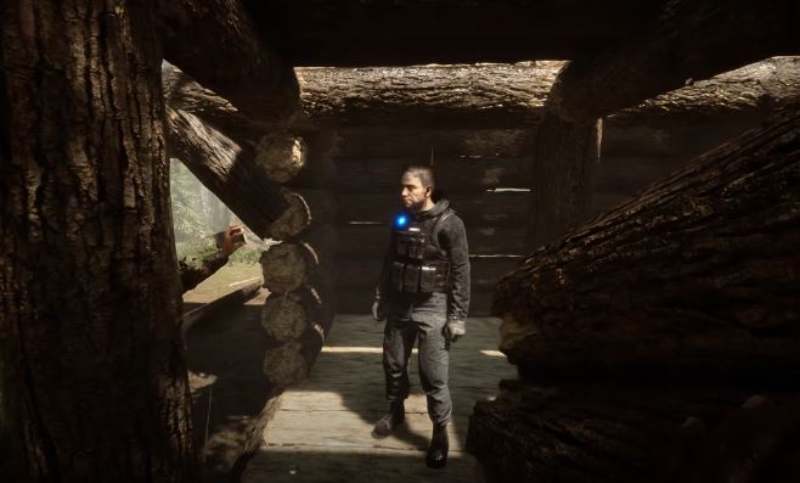
The first time someone mentioned “codes” while I was playing Sons of the Forest, I pictured old-school cheat menus, maybe a secret input screen you unlock after dying too many times. That is not how this game works. And honestly, that misunderstanding trips up a lot of players right out of the gate. I think it is because the word “codes” sounds simple, almost nostalgic, when the reality is much more technical and, in a weird way, more interesting.
In Sons of the Forest, codes are not shiny rewards handed to you by the game. What players usually mean when they talk about active codes are console commands tied to the game’s internal systems. These commands live behind debug mode, which is basically a developer-level switch that opens up the game’s brain. Once you flip it on, you are no longer playing only as a survivor. You are also poking at the engine itself. That is where cheat codes come in, although calling them cheats feels a bit reductive. They are more like tools.
What I have found, after plenty of trial and error and a few “why did I do that” moments, is that players use these commands for very practical reasons. Testing mechanics. Recovering from bugs. Exploring systems without spending ten hours grinding materials. It is not always about making the game easier. Sometimes it is about making it understandable.
Introduce Sons Of The Forest game
I used to assume codes in games meant freebies. Skins, boosts, maybe a redemption screen tucked into a menu. That assumption falls apart fast with Sons of the Forest. What players call Sons Of The Forest cheat codes are not official unlocks at all. They are instructions typed directly into the developer console, and they actively change how the game behaves.
Here’s the thing. These codes alter gameplay rules at a systems level. You are not claiming rewards. You are telling the game to bend. Spawn items, disable survival mechanics, adjust AI behavior, or test structures without grinding. In my experience, they feel less like cheats and more like workshop tools. That makes sense once you remember Sons of the Forest runs on the Unity Engine, which is famously flexible when it comes to debugging and experimentation.
What I have found interesting is how intentional this setup feels. Endnight Games never framed these as redeem codes, and that is on purpose. Sons Of The Forest console commands exist mainly for testing, building experiments, or just having fun in a controlled space. I have used them to prototype base layouts before committing hours in a real save. It saved my sanity.
Sons Of The Forest Current Active Codes
I keep a small text file on my desktop just for this, because forgetting a command mid-session is annoying in a very specific way. If you are looking for active Sons of the Forest codes that are actually working right now, these are the ones I personally test whenever a patch drops. They focus on player stats, the inventory system, NPC enemies, and how the world itself behaves.
| Codes | Function | Gameplay Impact |
|---|---|---|
| OIASD0902E0ASD | Toggles invincibility | Full control over player stats and survival bypass |
| ZXC98A0DASDHC | Grants infinite resources | Complete inventory system access without grinding |
| ZXCOQ2E9HWDA | Spawns selected NPC enemies | Direct enemy AI control for testing or chaos |
| ZXC92EUAD7DCV | Removes hostile enemies | Clears threats to rebalance gameplay |
| QWE9872EWDSC | Changes world time | Precise control over world time cycles |
| QWAS9D80CUCV | Adjusts weather system | Manipulates environmental variables instantly |
Related articles: Tomb Raider: Legacy of Atlantis Codes
In my experience, working Sons of the Forest cheats like these are best used with intention. God mode is great for testing builds. Infinite items help when experimenting with crafting chains. Spawn commands reveal how enemy AI reacts under pressure. I think the real value here is understanding gameplay balance by breaking it on purpose, then putting it back together the right way.
